
VNC Device Settings
VNC Device Settings
VNC (Virtual Network Computing) is a remote desktop control protocol using the RFB (Remote Frame Buffer) protocol. When configuring a VNC device, specific connection parameters must be provided.
Basic Settings
For settings common to all device types, refer to Device List:
- Device Name
- IP / Hostname
- Type: Select VNC
- Max Connections
- Port: VNC default is 5900
- Remarks
- Max Duration
- Admin Email
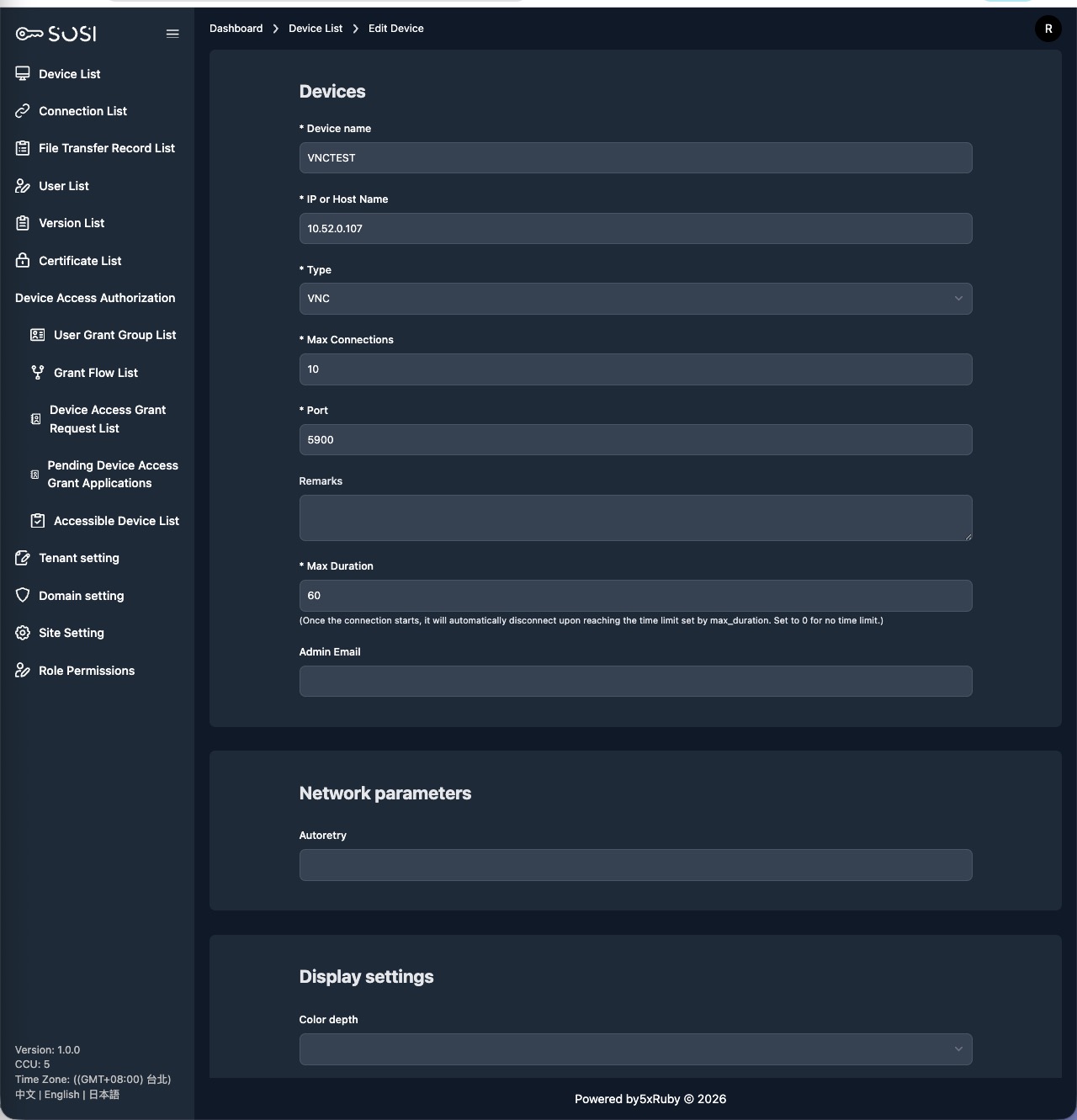
VNC-Specific Settings
Auto Retry
Configure whether to automatically retry on connection failure, including retry count or interval.
Color Depth
Set the display color quality for remote desktop connections:
| Color Depth | Description |
|---|---|
| Low color (16-bit) | Low quality, suitable for bandwidth-limited environments |
| True color (24-bit) | True color, provides better visual quality |
| True color (32-bit) | Full true color with alpha channel support |
| 256 color | Minimum color requirement, for extremely poor network conditions |
Lower color depth reduces network traffic and improves operational smoothness.