
BrowserApp Device Settings
BrowserApp Device Settings
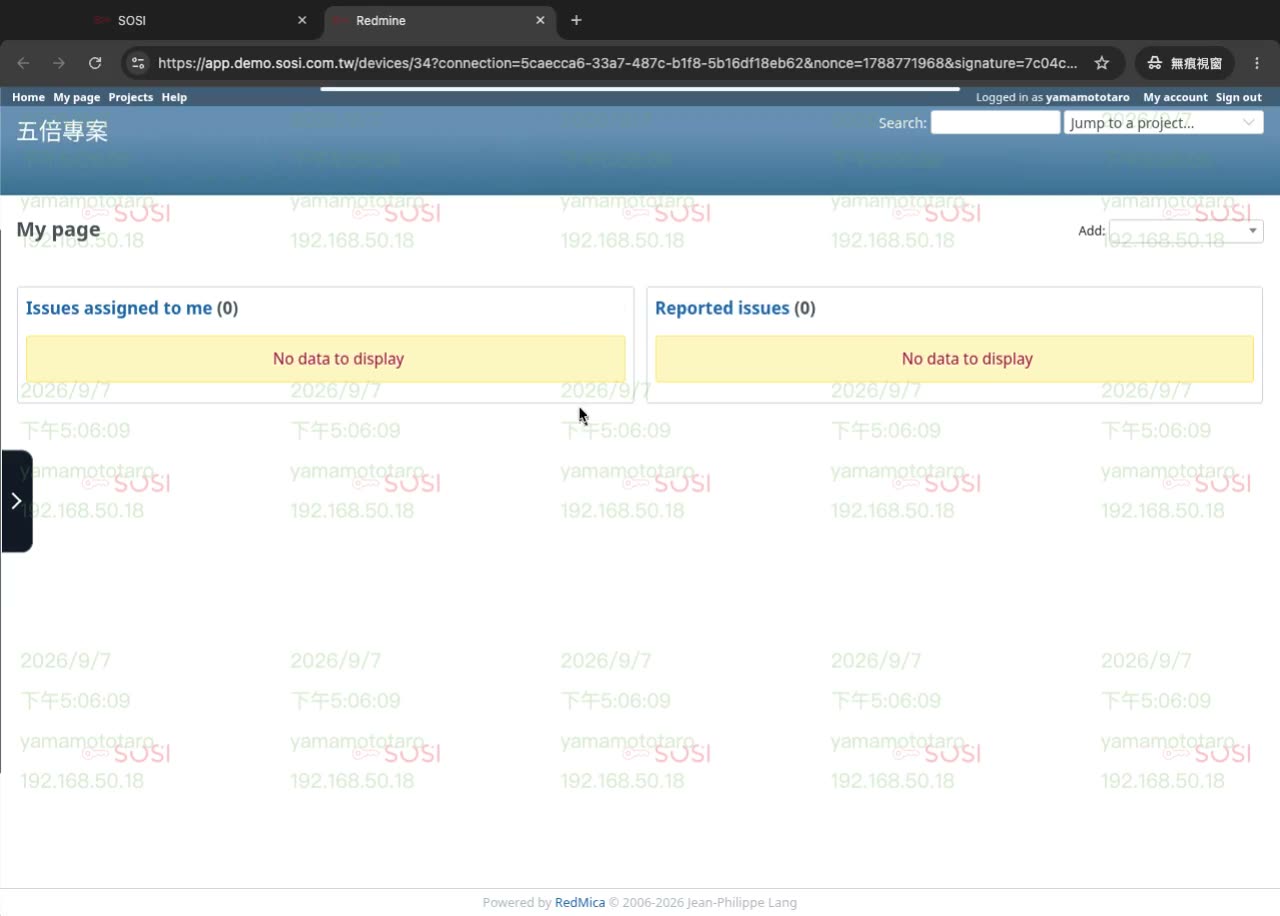
BrowserApp (isolated browser access) brings internal web systems — CRM, ticketing, reporting back offices — under the same control as remote hosts. Users get a full-screen, locked-down browser; their own machine never touches the target system directly, since every interaction happens inside a remote container.
To SOSI this is just another device type, so recording, keystroke logging, audit trails, role permissions, session time limits and watermarks all work exactly as they do for other devices. No separate set of rules is needed.
Basic Settings
For settings common to all device types, refer to Device List:
- Device Name
- Type: Select BrowserApp
- Max Connections
- Remarks
- Max Duration
- Admin Email
BrowserApp-Specific Settings
Target URL
The internal system opened automatically once the user connects.
Allowed URLs
Restricts which URLs the user may visit inside the isolated browser. Anything outside the allow list is blocked — the same restriction applies to new tabs and new windows.
Automatic Sign-In
After the target site loads, SOSI fills in the user’s credentials and submits them. The user never needs to know or type the password.
Credentials come from one of two sources:
| Source | Description |
|---|---|
| Individual credential | Uses the credential mapped to that user via Credentials and the device grant |
| Directory service credentials | If the target system authenticates against LDAP/AD, the user’s SOSI sign-in credentials can be reused, with no per-user credential setup |
The password never enters the browser container. The container is where the user can interact through the screen; SOSI injects the value from outside to complete the form, so all that remains inside is a login session that expires anyway.
Custom Login Fields
For sites with unusual layouts, specify the username field, password field and submit button in the device settings so automatic sign-in works correctly. Leave them blank for ordinary sites and SOSI will detect them.
Environment Reset
The browser environment is wiped at both the start and the end of every session. The previous user’s login state, browsing history, cache and downloaded files are never handed to the next person — removing the classic shared-environment risk of someone forgetting to sign out.
Limitations
⚠️ Two-step sign-in flows are not supported. Sites that ask for the username first and only then show the password field (Google and Microsoft accounts, for example) cannot be signed in automatically. SOSI safely skips filling in such forms; users can still sign in themselves, and recording and access control continue as normal.